
























Chief Executive Officer leading Neurored’s strategy and growth across freight and logistics.

Content Marketing Specialist with expertise in B2B SaaS, SEO, AEO, and technical writing.

Director of Marketing with 10+ years in B2B SaaS demand generation and revenue growth.
One platform for transport management and supply chain, built on Salesforce.
Book a demoMost TMS platforms look capable when a shipment follows the plan: a rate is selected, a carrier is booked, and a tracking update appears. The harder test begins when the booking changes.
That change can affect the customer update, shipping documents, and final charges. If those steps end up in separate screens and spreadsheets, your team has to piece together what happened while the shipment is still moving.
Expert opinions and feature comparisons can tell you what a TMS is supposed to do. Verified customer reviews reveal what users actually experience, including the frustrations that rarely surface in a product demo. That’s why we believe real customer feedback is a stronger starting point than theoretical comparisons.
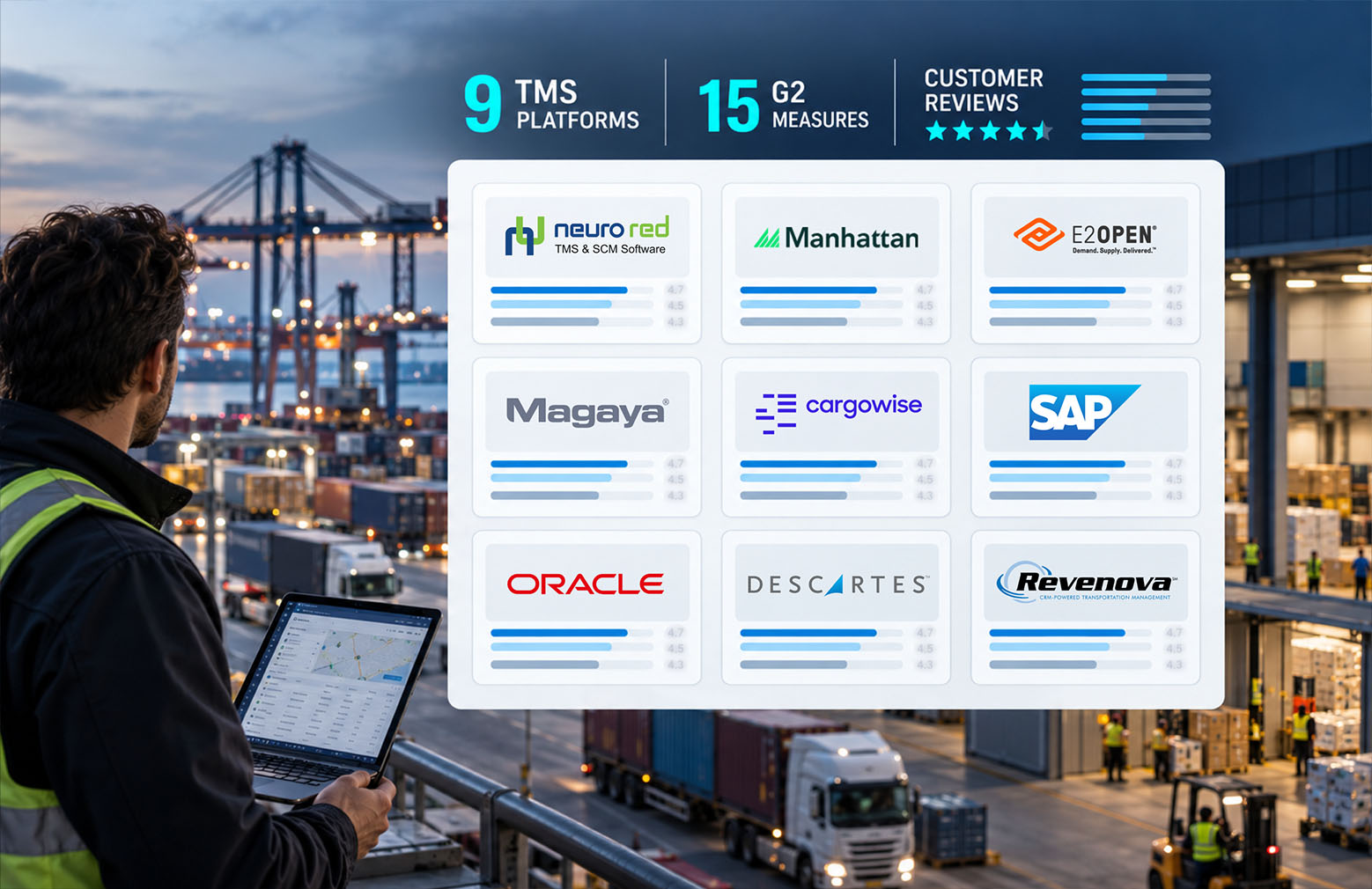
We compared nine TMS platforms across 15 published G2 measures, alongside customer feedback and product information. The result is an evidence-based starting point for deciding which systems deserve a place on your shortlist.
Why G2 Reviews Matter for TMS Buyers
Verified customer reviews are the best starting point for comparing TMS software because they show how platforms perform in real use, from implementation and usability to support, workflow fit and shipment visibility.
For this comparison, we use 15 published G2 measures, grouped into five buyer themes, to give competing TMS platforms a common, evidence-based benchmark. G2’s scale adds weight: its review network is expected to include around six million verified reviews and reach more than 200 million software buyers annually.
The scores help you build a stronger shortlist. From there, each TMS still needs to be tested against your own workflows, modes, integrations and operating requirements.
How We Built This TMS Software Comparison
Nine TMS platforms. 15 published G2 measures. Five buyer themes. We average the available measures to calculate each theme and overall score. If G2 doesn’t report enough data for a measure, we exclude it rather than estimate it or score it as zero.
We also show the number of respondents behind each reported G2 measure in the full comparison report, so you can see how much customer evidence sits behind each score.
Top 9 TMS Software Rankings at a Glance
These are the nine TMS platforms ranked by the average of their available G2 measures. The ranking gives you an evidence-based starting point for building a shortlist, rather than declaring one system the right choice for every operation.
A forwarder coordinating ocean documents and a shipper tendering domestic loads will put different demands on a TMS. That’s why you need to look at each of these systems through the lens of what best fits your operation.
9 Best TMS Software Examined
1. Neurored TMS & SCM

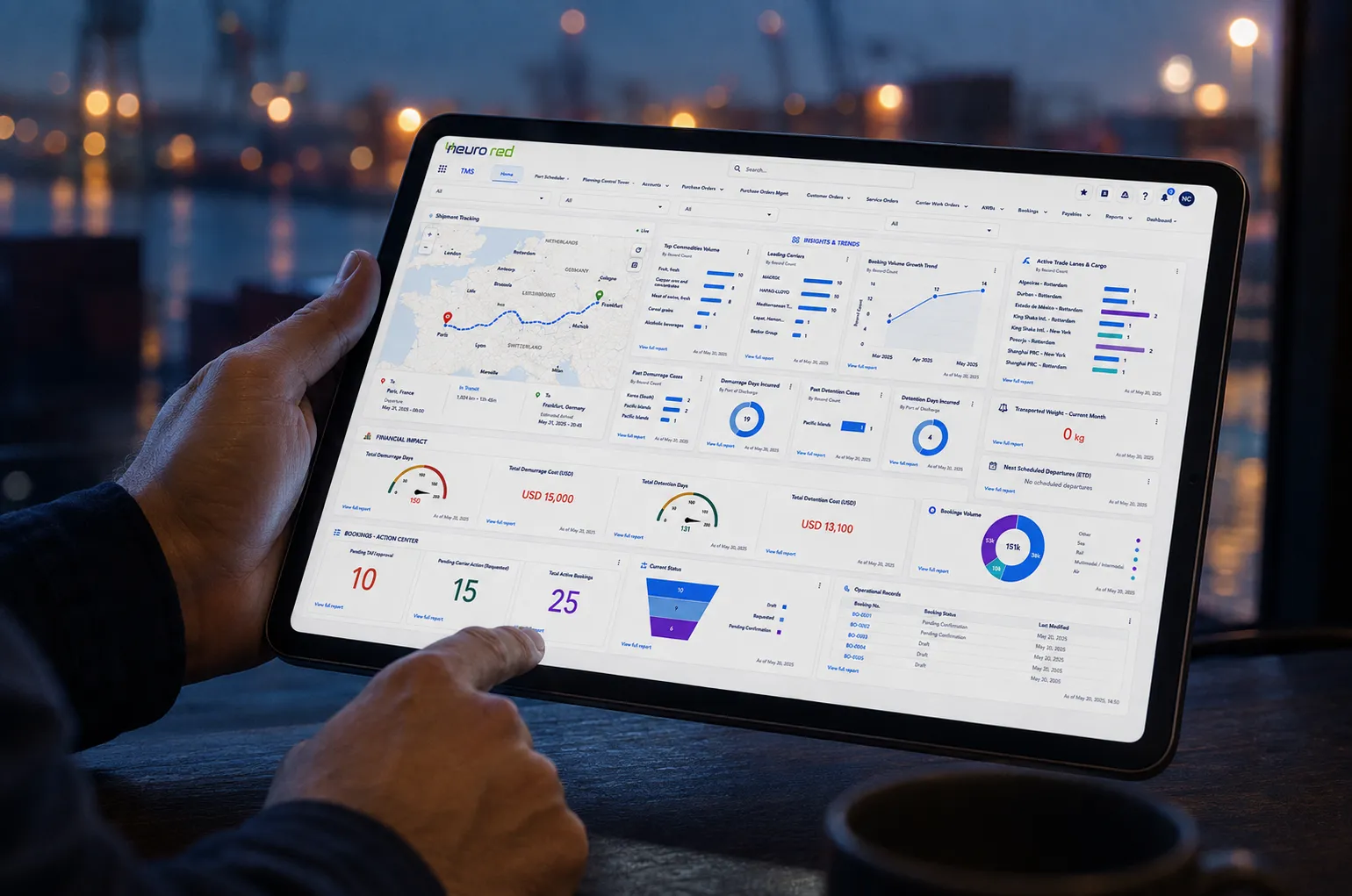
Neurored TMS & SCM is an AI-powered, enterprise-grade platform for freight forwarders, logistics providers, shippers, and carriers. Built natively on Salesforce, it brings Ocean, Air, Road, and Rail operations into one secure cloud platform, connecting quoting, bookings, shipments, documents, communications, charges, and visibility.
Its quoting workflow supports complex multimodal routes with multiple legs. For example, it can support a road pickup followed by ocean transport and rail delivery. Teams can price each leg separately, build alternative proposals, and convert an accepted customer quote directly into an operational order.
Neurored integrates with ERP, WMS, and CRM systems as well as leading logistics technologies and the Salesforce AppExchange ecosystem. Businesses do not need to be existing Salesforce customers to adopt it.
Trusted by more than 10,000 enterprise users worldwide, Neurored has over 100 verified online reviews averaging 4.7 stars.
In our TMS software comparison, Neurored TMS & SCM scores 92.4% overall, leads four themes including Shipment Visibility & Execution at 93%, and places second for Operational Workflow Fit at 92.3%.
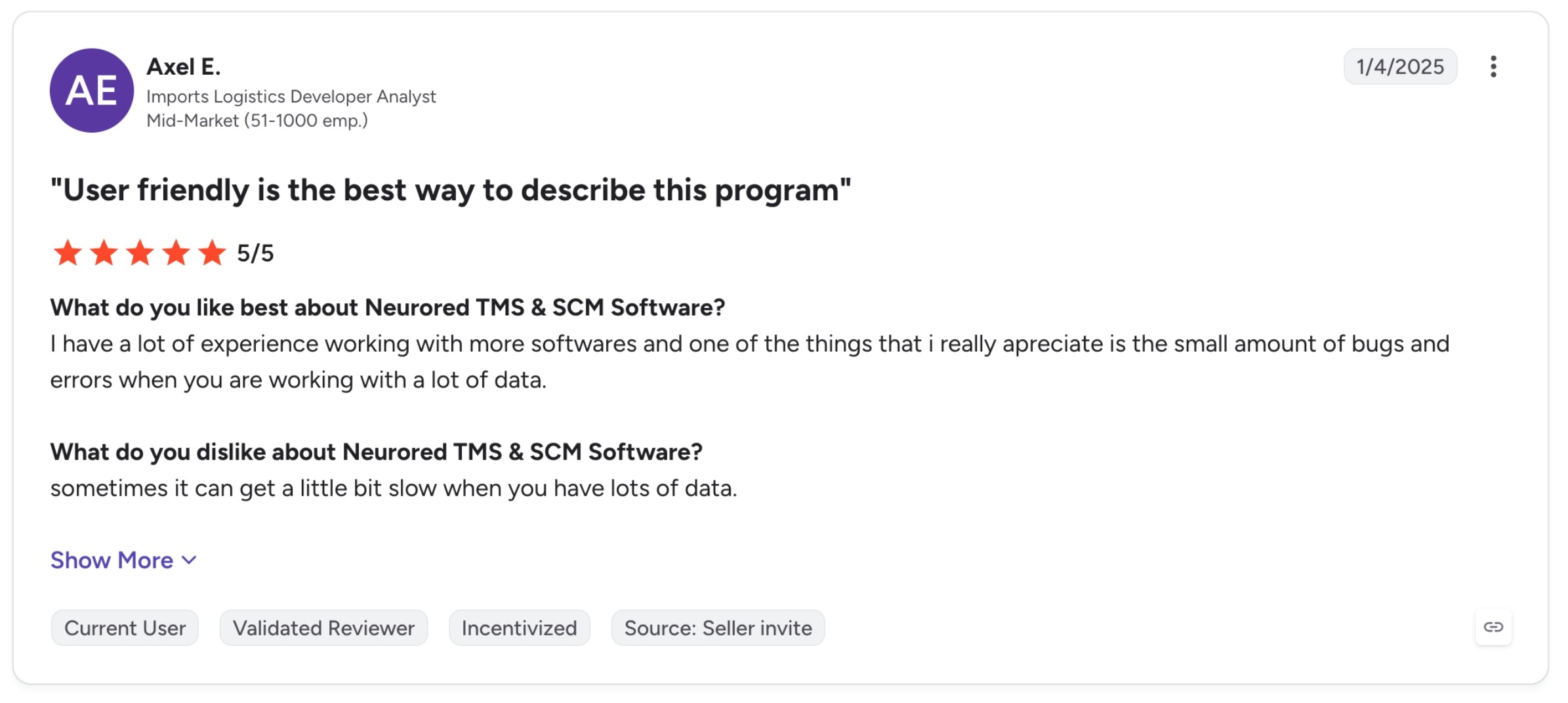
In his G2 review, Axel E. says “you can manage everything in just one tool” and reports relatively few bugs, though he notes slowness when working with a lot of data.
Key capabilities of Neurored TMS & SCM include:
- Multimodal Transport Management: Connect quoting, booking, execution, and tracking across ocean, air, road, and rail.
- Freight Rates and Quoting: Compare carrier rates and build customer quotes with configurable markups, surcharges, and handling fees.
- Road Freight Planning: NeuroTruck connects route planning, carrier assignment, and live monitoring for owned and subcontracted fleets.
- Shipment Visibility: Track shipments across modes, flag delays, and share updates through customer portals.
- AI and Automation: Use AI assistants to build quotes, process rate documents, check invoices, and answer product questions. Neurored’s MCP also connects external AI systems to logistics data.
[cta|See how Neurored fits your freight operation|Book a demo to explore how Neurored connects multimodal quoting, bookings, and shipment visibility|Book a demo|#contact]
2. ActiveTransportation
Manhattan Associates’ ActiveTransportation helps shippers plan, tender, track, and settle freight in one connected workflow.
Its three editions (Essentials, Enterprise, and Enterprise Premier) cover different levels of transportation complexity. Teams can start with domestic freight execution and add parcel, advanced planning, and global multimodal capabilities as their needs grow, without moving to a different platform.
ActiveTransportation scores 88.9% overall. It also leads Operational Workflow Fit at 95%, a theme covering requirements, modes, and carrier selection.
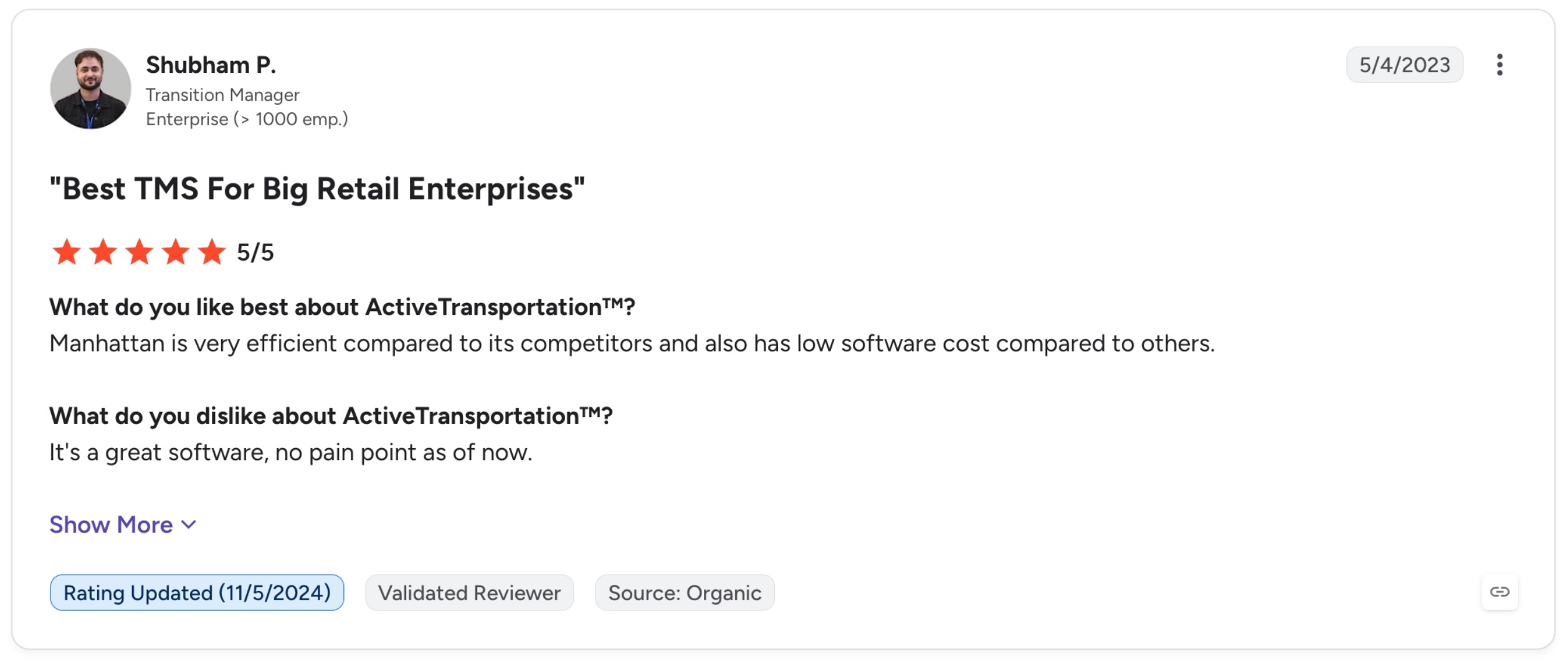
In his G2 review, Shubham P. says that the system is efficient for orders arriving from several channels, lets him see intermediate shipment status, and currently presents no pain point in his work.
3. E2open Logistics Application Suite
E2open Logistics Application Suite brings together tools for planning, moving, and monitoring freight. Its freight forwarder TMS connects shipment operations with financial work, while procurement and planning tools help teams choose carriers and arrange transport across modes.
E2open scores 86.6% overall in our TMS software comparison and places second for Shipment Visibility & Execution at 91%.
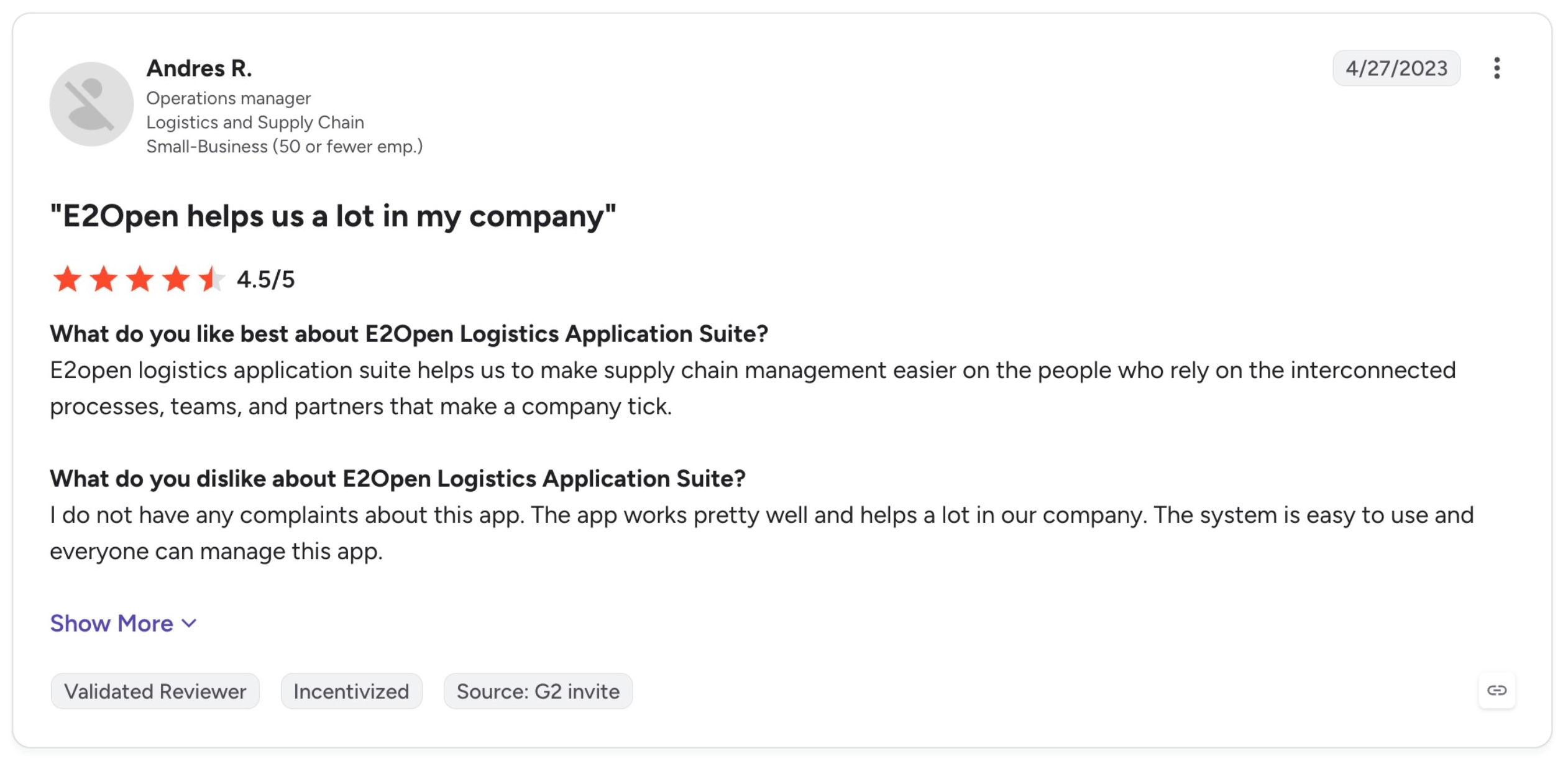
Andres R. says on G2 that his team uses the application daily and solves problems getting load information to customers. His review does not identify the modules they use.
4. Magaya Supply Chain
Magaya Supply Chain helps logistics teams quote, receive, and ship cargo in one job flow. Its integrated accounting connects the operational record to charges and invoices, which can help when the forwarding desk and warehouse share the same order.
Quote-to-shipment workflows carry customer and charge details from an initial quote into bookings, receipts, or shipments. Its built-in warehouse capabilities handle receiving and inventory work, while integrated accounting moves shipment charges into billing.
Magaya scores 83.5% overall in our comparison. It also places second for Operational Satisfaction & Performance at 88%, which reflects users’ likelihood to recommend it.
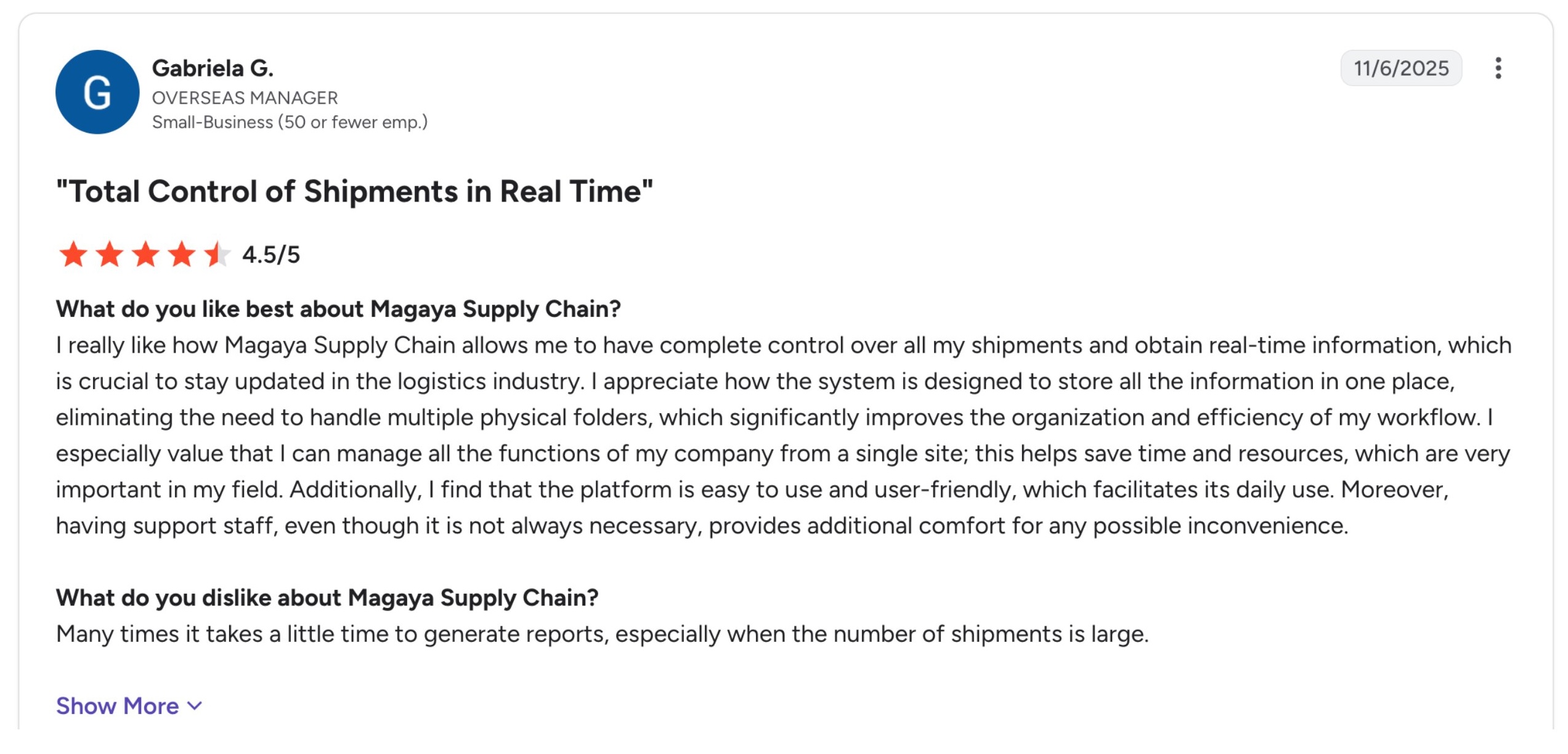
In a G2 review, Gabriela G. says she likes having current shipment information in one place instead of working from physical folders. She finds the platform easy to use but says reports can slow down at high shipment volumes.
5. CargoWise
CargoWise Forwarding helps teams quote, book, and manage cross-border shipments through a shared job record. Its connected air and ocean workflows give teams across offices a common place to follow documents, carrier activity, and costs.
Key features include:
- Rates and Contracts: A live, searchable database of carrier buy and sell rates used for quoting, costing, and margin calculations.
- Schedules and Bookings: Integrated flight and vessel schedules with carrier connectivity (including eBookings) so routing and booking options live directly in the job.
- Documentation and Financials: End‑to‑end forwarding documentation, customer updates, and job‑based financials that flow through to invoicing.
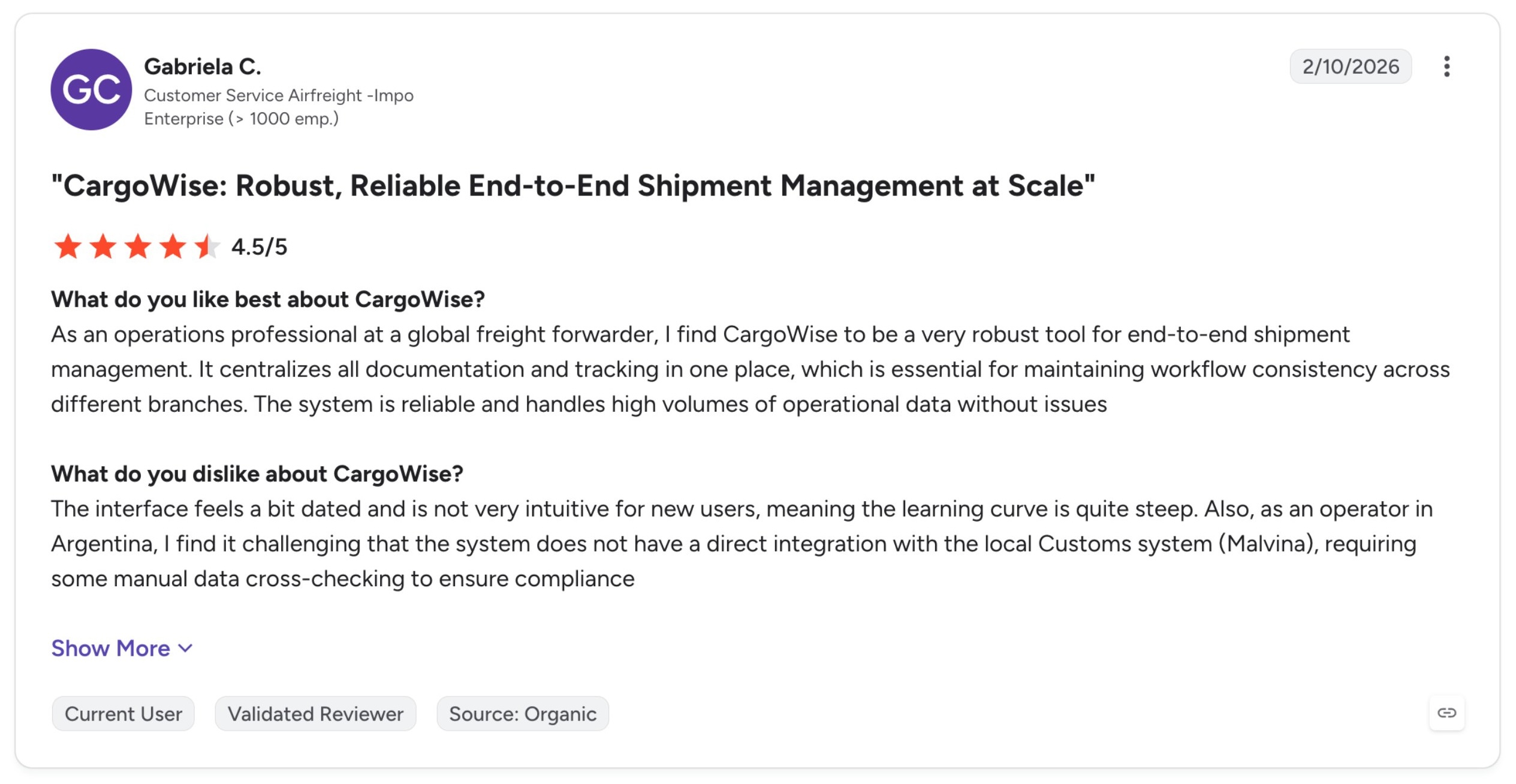
CargoWise scores 82.7% overall in our comparison of the best TMS software. Gabriela C. writes on G2 that it “centralizes all documentation and tracking in one place” and works reliably across branches, but says the interface feels dated and new users face a steep learning curve.
6. SAP Transportation Management
SAP Transportation Management is a TMS that helps shippers procure freight, build plans, and manage movement against orders. Its connection to SAP business records can reduce re-entry when orders and deliveries already live in that environment.
Some of its core features include:
- Strategic Freight Procurement: Run RFQs, evaluate bids, and award freight agreements to lock in rates and capacity.
- Transportation Planning: Plan shipments manually or with automated optimizers (VSR), consolidate loads, select carriers, and replan dynamically when conditions change.
- Execution & Freight Order Management: Create freight orders and bookings (road/rail/air/sea), tender loads to carriers, and track shipments end‑to‑end.
- Freight Settlement: Calculate charges, generate carrier invoices, handle disputes, and settle costs against orders or execution criteria.
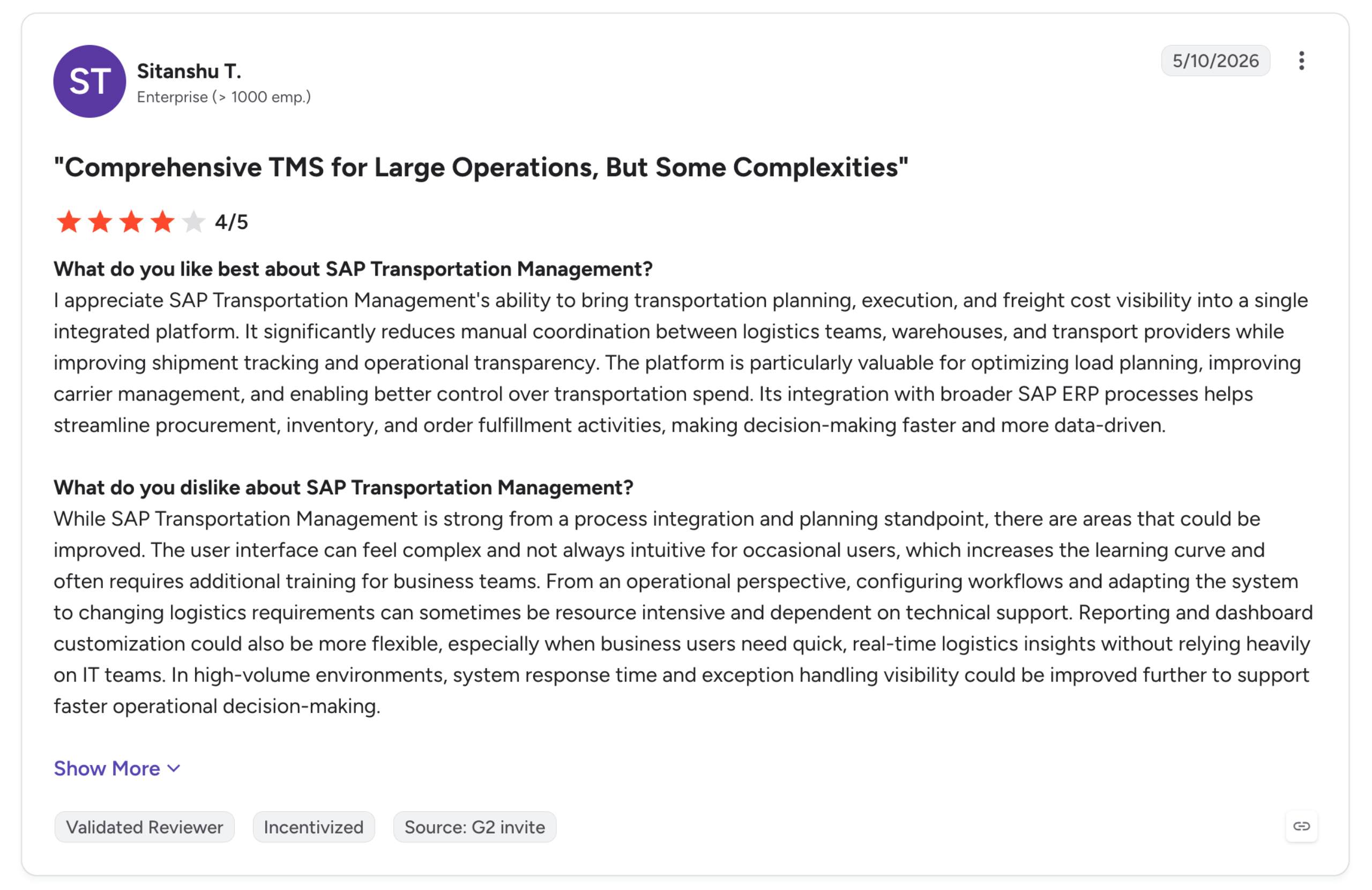
SAP scores 82.5% overall in our comparison. Sitanshu T. says on G2 he values having “transportation planning, execution, and freight cost visibility” together because it reduces coordination between teams. He also describes a learning curve for occasional users and technical effort when workflows change.
7. Oracle Transportation Management
Oracle Transportation Management helps teams plan shipments, coordinate freight movements, track progress, and manage the financial work across carriers, modes, and countries.
It handles straightforward point-to-point shipments as well as movements with multiple legs, cross-dock transfers, and several tiers of distribution. That gives teams a way to coordinate more complex transport networks in one system.
Oracle Transportation Management comes with the following key features:
- Operational Planning and Execution: Plans and coordinates inbound, outbound, inter-facility, multimodal, and complex multi-leg transportation across carriers, geographies, and internal resources.
- Transportation Visibility and Disruption Management: Tracks milestones, shipment status, estimated arrival times, and execution events while helping teams respond to exceptions and disruptions.
- Freight Financial Processing: Supports freight-bill auditing, payment, customer billing, cost allocation, revenue processing, and claims management.
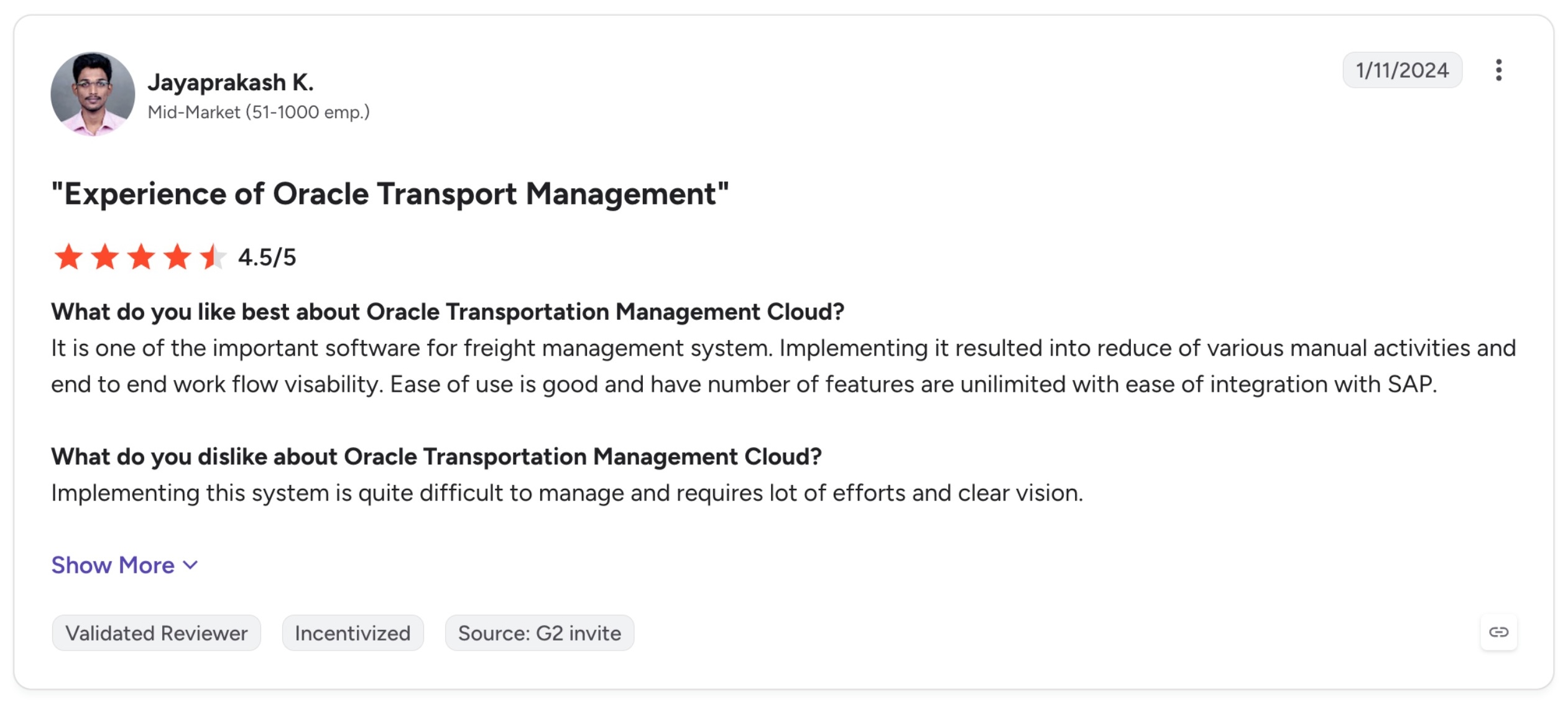
Oracle scores 82.4% overall in our comparison. Jayaprakash K. says on G2 that it reduced his manual work and improved visibility. He found integration with SAP easy in his case, while implementing the system itself required effort and a clear plan.
8. Descartes Shipper TMS
Descartes Transportation Manager helps shippers compare carriers, send transportation requirements electronically, and monitor shipments.
Teams can select carriers based on lanes, costs, contracts, and rates, then manage shipment documents, carrier communications, auditing, and settlement through the same transportation workflow. The Descartes Carrier Portal also supports electronic exchange of shipment documents, tender confirmations, status updates, proof of delivery, and freight invoices.
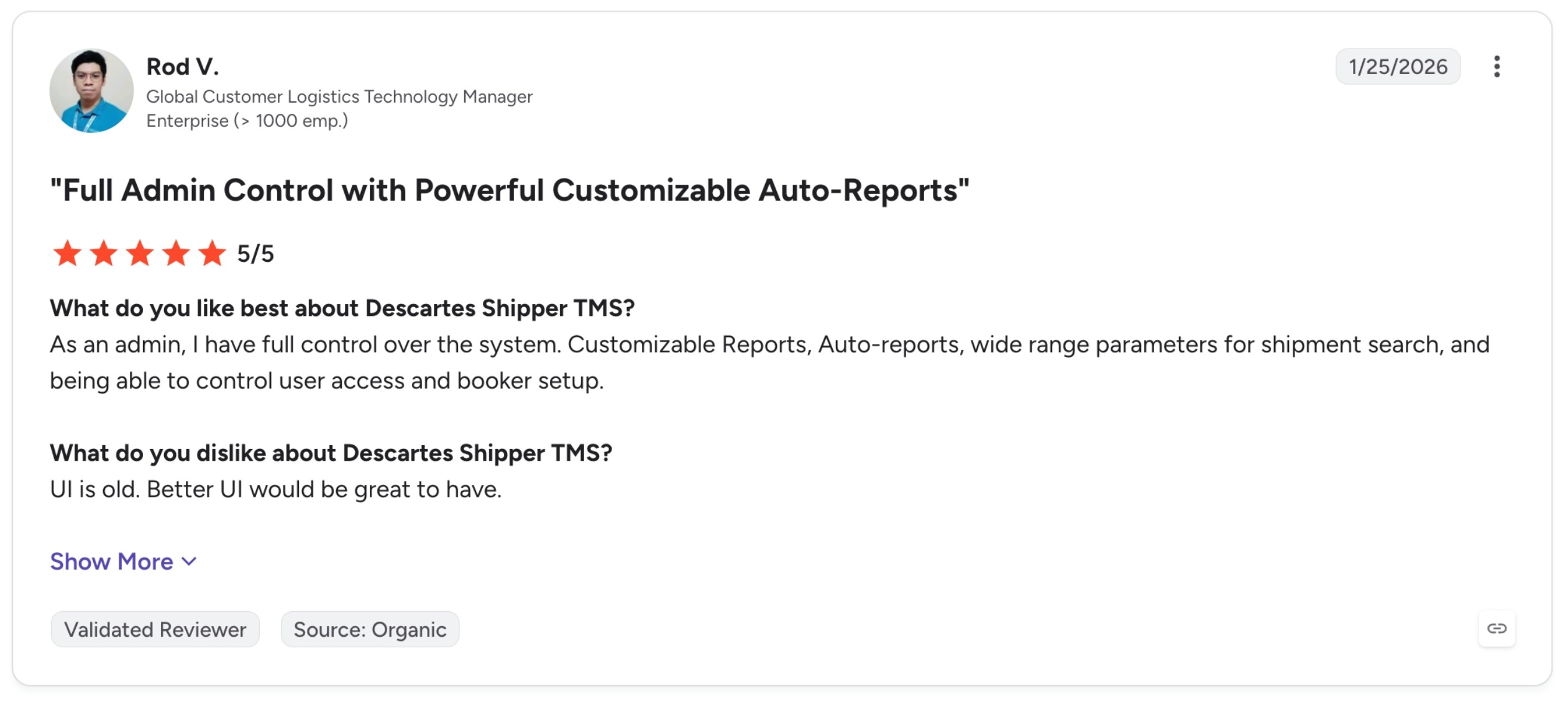
Descartes scores 82.0% overall. Rod V. writes in his G2 review: “As an admin, I have full control over the system.” He likes configurable reports and shipment search, but would like the interface updated.
9. Revenova TMS
Revenova TMS helps brokers, logistics providers, carriers, and shippers quote and manage freight. Shared customer and shipment records let sales and operations follow the same job, keeping commercial details connected to moving the freight.
Some of the core features include:
- Unified TMS + CRM: One system for sales and operations: the same customer, carrier, and load records show quotes, emails, tracking, and billing so everyone sees the same job.
- Automated Carrier Sourcing & Tendering: It matches loads to the right carriers, then automatically offers the load to them in order to fill trucks faster and reduce manual calling.
- Real-Time Execution & Visibility: You get live tracking and automatic updates (ETAs, delays, POD, GPS) and can run check-calls via SMS so you know where freight is without constant phone calls.
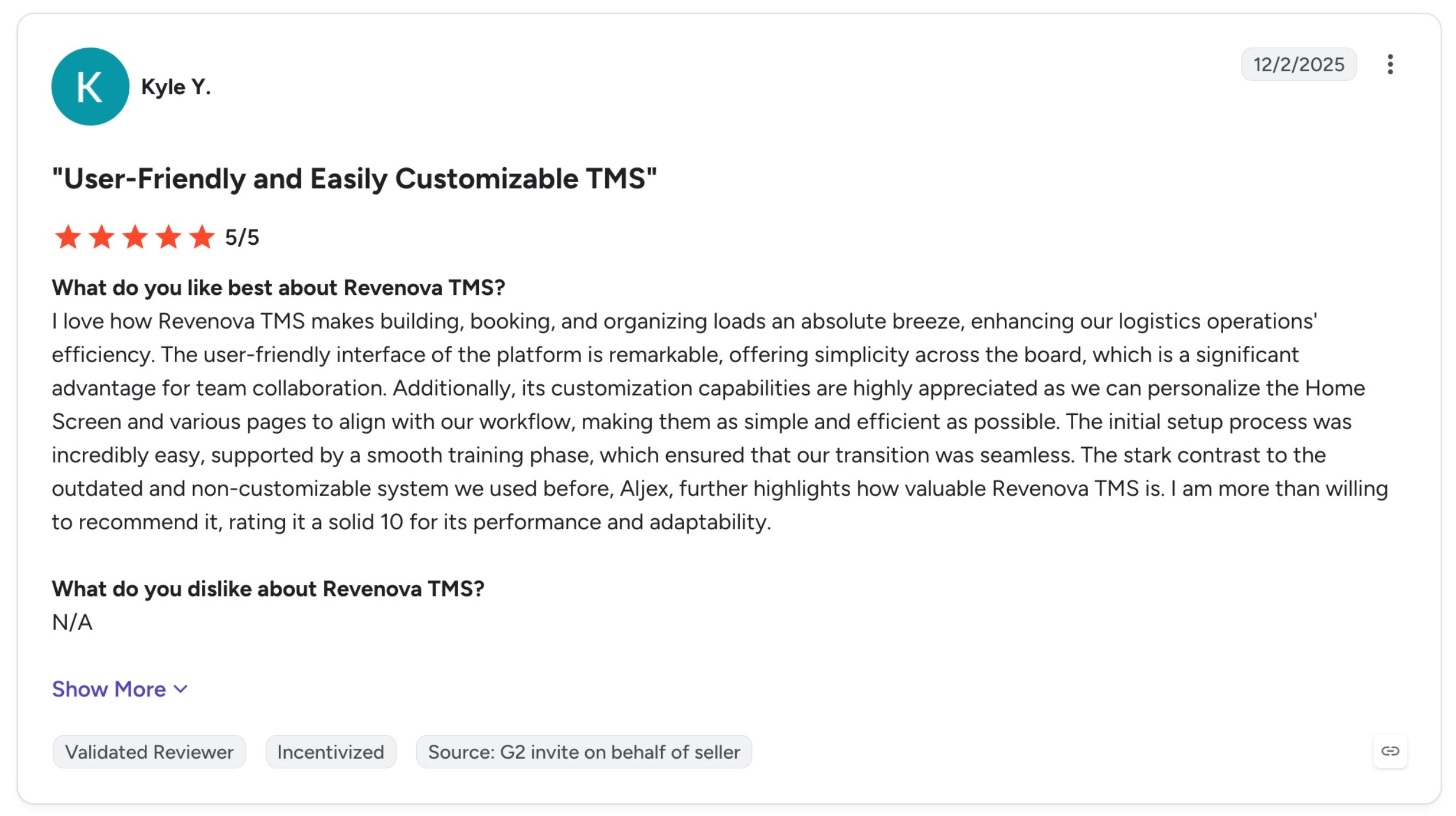
Revenova scores 81.0% overall in our comparison. In a G2 review, Kyle Y. says “The initial setup process was incredibly easy” and likes being able to tailor pages to his team. That describes his team’s experience; your setup will depend on the workflows and connections you need.
What to Look for in TMS Software

The ratings can help you decide which products deserve a closer look. These five considerations help you decide which one could work in your operation.
Freight Modes and Shipment Types
A forwarder handling ocean bookings and shipping documents has different needs from a shipper choosing carriers for domestic loads. Start with your modes, the kinds of shipments you manage, and the work your team owns. Neurored TMS & SCM, for example, covers rates, bookings, tracking, documents, and transport-order finances across modes.
Workflows That Fit Your Booking Process
A TMS is most useful when a change made in one part of a shipment reaches the people responsible for the next step.
Think about a booking amendment: can operations update the shipment, customer service see the revised plan, and finance work from the final record? If those steps still depend on separate portals or copied data, your busiest handoffs may still need manual work.
Shipment Tracking and Delay Alerts
Knowing where a shipment is matters. Knowing that a delivery is late, who needs an update, and what the team has already done is more useful. Look for status information and alerts that match the exceptions your team handles, whether that is a missed pickup, a changed sailing, or a delayed arrival.
Carrier and System Integrations
Your carriers, customers, warehouses, customs processes, and financial systems will shape what the TMS can do in practice. Check the specific connections available for your geography and transport modes, what data moves between systems, and who maintains those connections when something changes. A broad integration list does not answer those questions on its own.
Ease of Use for Every Team
Operators may live in the system, while sales, customer service, and finance use it less often. All of them need to find the right information without waiting for an expert. Consider how new colleagues learn the workflow, how reports perform when volumes rise, and what support is available when a process needs to change.
[post|Which TMS Features Do You Actually Need?|From quoting to shipment tracking, explore 43 TMS features and what they mean for your day-to-day operations.|https://cdn.prod.website-files.com/699ee1f3535208d5a990b4ca/6ac791acdfa812d16d29b46f_Cover_Modern%20TMS%20Features.jpg|Explore the features|https://www.neurored.com/blog/essential-tms-features/]
How to Define Your TMS Software Requirements

Before you ask vendors for detailed answers, agree on the job your TMS needs to do.
Involve customer service, warehousing, finance, and sales alongside transportation. Separate what you need at launch from what can come later.
Start with these questions inside your own business:
Which Shipments Slow Your Team Down?
Pick a real job that moves through several people or systems. Note where information gets lost, repeated, or delayed. A forwarder’s import with documents and onward delivery will expose different gaps from a shipper’s domestic carrier tender.
What Must Your TMS Handle at Launch?
Name the modes, lanes, documents, carrier relationships, and financial steps your team cannot postpone. Put less urgent features on a later list so the shortlist reflects your immediate operation.
Which Teams Will Use the TMS?
Include the people who quote, book, monitor, invoice, and answer customers, as well as the administrators who will maintain it. A workflow that suits a full-time operator may be difficult for someone who checks a shipment only occasionally.
Which Systems Must Exchange Data With Your TMS?
List the customer and carrier data, rate files, and open shipments that need to be migrated, along with the systems that must exchange information. Identify any carrier or regional connection you rely on today; an integration page may not tell you whether that specific connection is available.
Who Does What During TMS Rollout?
Decide who will clean data, test live workflows, train users, and manage carrier onboarding. Separate the work that has to move together from work that can be introduced later.
Which Numbers Will Show the TMS Is Working?
Pick a few observable measures from today’s operation, such as repeated data entry, time spent answering shipment queries, or invoice corrections. They give your team a way to assess the new process after launch, beyond whether the system went live.
[post|Build or Buy Your Logistics Software? There’s a Third Option.|Explore how a hybrid approach combines a proven platform with workflows tailored to your operations.|https://cdn.prod.website-files.com/699ee1f3535208d5a990b4ca/6ac791ac2d9f945305f27720_Cover_Hybrid%20Model.jpg|Explore the hybrid approach|https://www.neurored.com/blog/build-vs-buy-logistics-software/]
Test Your TMS Shortlist With a Real Shipment
Insist on a demo using a real shipment from your operation. Give each shortlisted provider the same shipment details, ideally a case where something changed or went wrong, and ask them to run it through the TMS from the booking or tender change to the customer update and final record.
Watch for where users have to switch systems, re-enter information or step outside the workflow. Those moments can tell you more about operational fit than a polished standard demo.
Use the rankings to build your shortlist, then apply the same real-world test to every vendor. Our full TMS comparison report includes the detailed G2 ratings and an RFI scorecard to help you compare their answers consistently.
[cta|Download the full TMS comparison report|See the detailed G2 scores and response counts, then use the printable 18-question RFI to compare requirements and record vendor answers.|Download the report|https://www.neurored.com/tms-comparison-report]
Description
Description